
Overview
We use StickerBeat as a source for sticker products that are added manually into CS INK. This KB outlines how to create sticker products, copy over the correct product details, build variations, and prepare the product for publishing.
⚠️ Note: Sticker products are added manually, so it is important to review all content, options, and branding carefully before publishing.
Preparing Sticker Products
Stickerbeat.com → Shop → Stickers
Start by deciding which sticker product you want to add first in CS INK. Suggested starting product: Die Cut Stickers
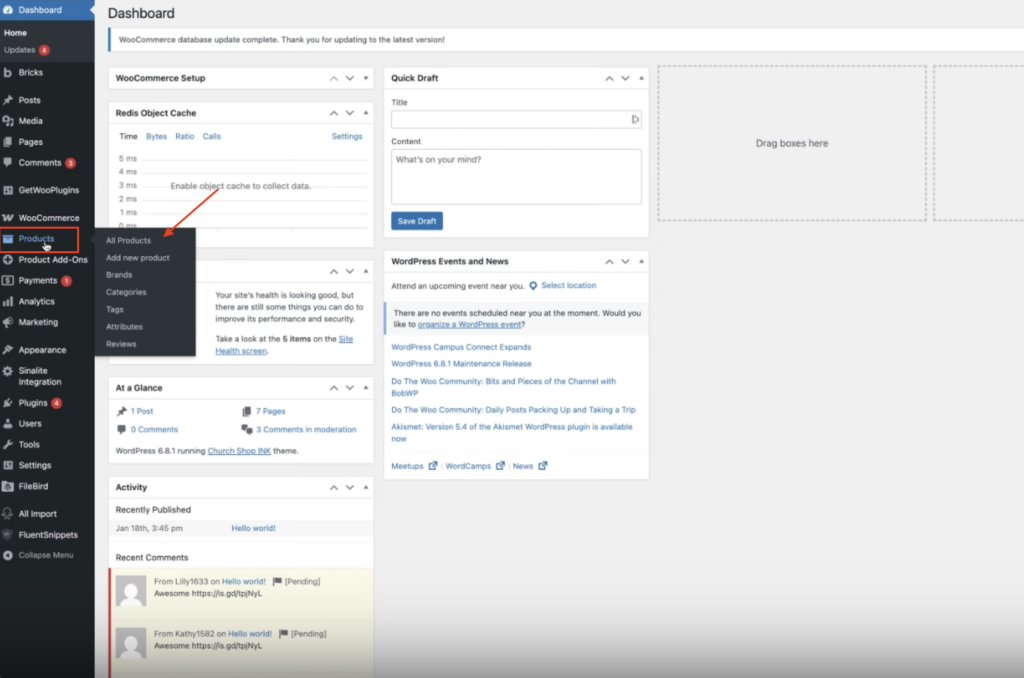
Before creating the product, check All Products in CS INK to make sure the item has not already been added.
Creating the Product in CS INK
Go to: Products → Add New Product
From there, begin copying over the key product information from StickerBeat.
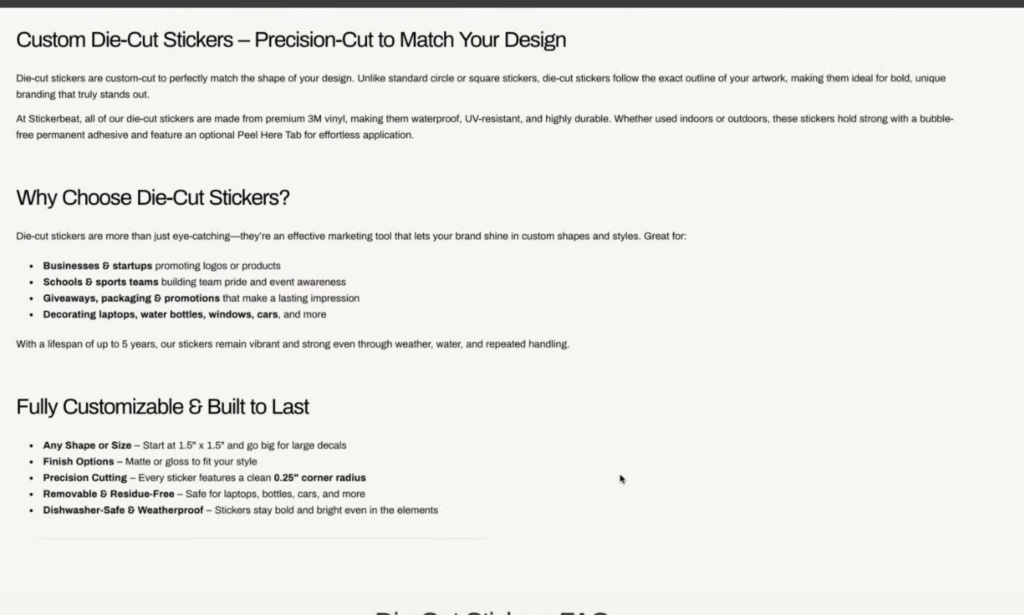
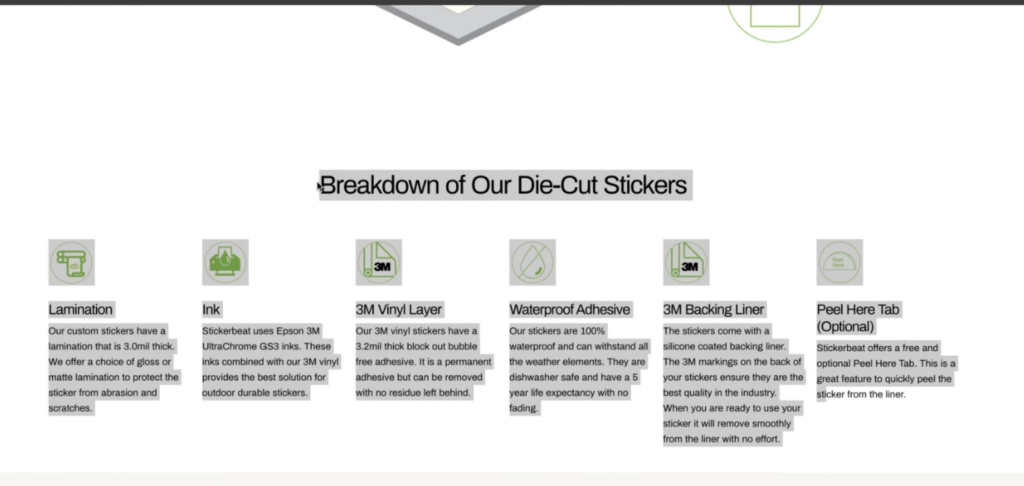
Add:
- Product name
- Product short description / excerpt
- Relevant product details
⚠️ Important: Do not copy everything exactly as-is. Some content will need to be cleaned up before publishing.
Cleaning Up Product Content
After pasting the content into CS INK, review it carefully.
Make sure to:
- Remove any StickerBeat branding
- Delete any unnecessary images
- Remove references to StickerBeat from the copy
- Adjust wording so the product reads as a Church Shop Ink product
A quick way to check this is to search the product description for the word “StickerBeat” and remove anything that mentions the vendor.
⚠️ Important: No outside vendor branding should remain on the live product page.
Setting the Product Type
Sticker products should be created as a Variable Product.
After adding the basic product details:
- Change the product type to Variable Product
- Add the SKU
SKU Format
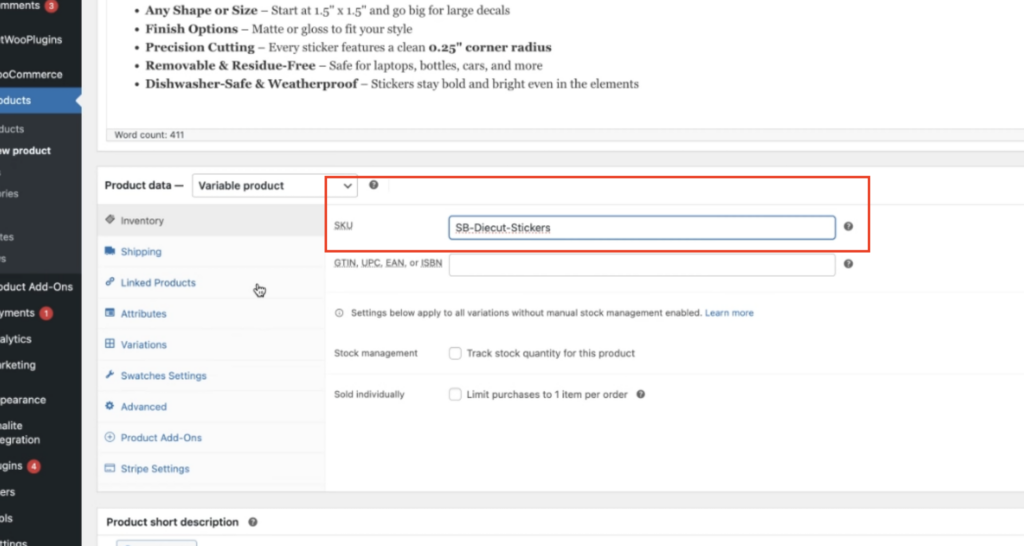
Use this format:
SB - [Product Name]
Example:
SB - Die Cut Stickers
In this case, SB is used to identify the vendor/source for ordering.
Final Product Review
Before publishing, review the product carefully. Confirm that:
- ✅ Product name is correct
- ✅ Description is cleaned up
- ✅ No StickerBeat branding remains
- ✅ Unneeded images have been removed
- ✅ Product is assigned to the correct categories
- ✅ SKU follows the correct format
- ✅ Sizes and quantities are complete
- ✅ Variations were created successfully
⚠️ Important: Since these products are added manually, a final review is required before making them live.
For More Details
For the full walkthrough, refer to the training video/transcript used for this process.