
Once you begin order fulfillment, you’ll need to be familiar with the following five tools:
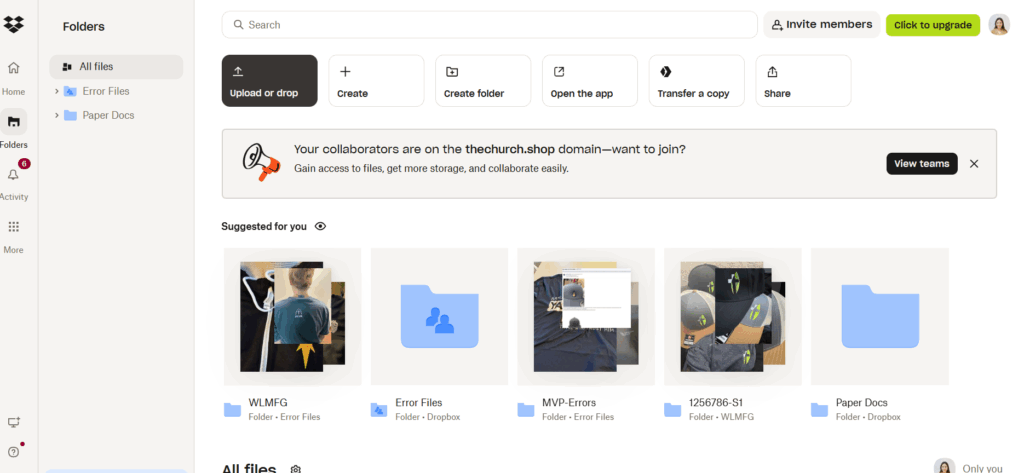
ORDER DESK
Order Desk is where all incoming orders are received and managed. This is also where we route orders to the appropriate vendor for production. You’ll use this platform to ensure each order is correctly processed and sent to the right fulfillment partner.
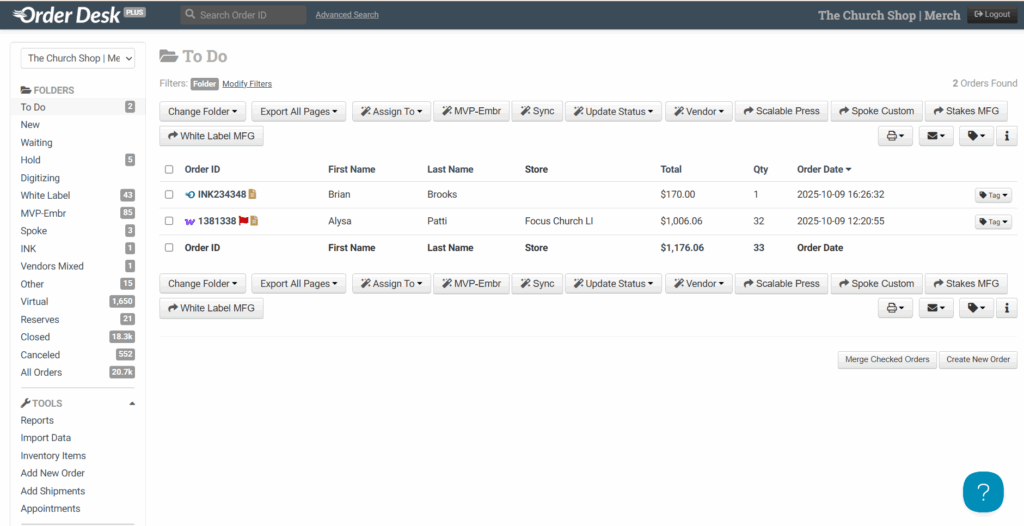
XE (or Imprint Next)
XE/Imprint Next is our primary platform for retrieving newer product designs specifically for items created between 2024 and 2025. You’ll use XE to:
- Access and download updated product designs.
- Verify design placement (front, sleeve, back, etc.).
- Confirm design details before processing the order.
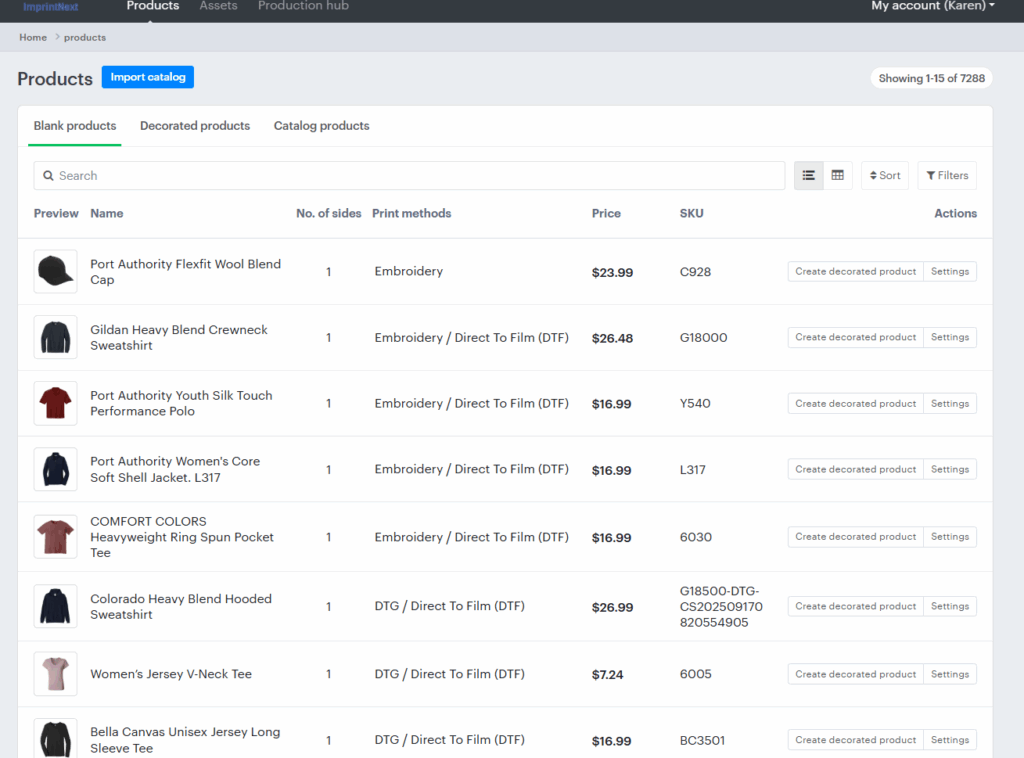
WORDPRESS
WordPress is used for locating older designs that cannot be found in XE. Typically, these designs were created prior to 2023.
When an order involves an older design, search for it directly in WordPress to locate the associated files and details.
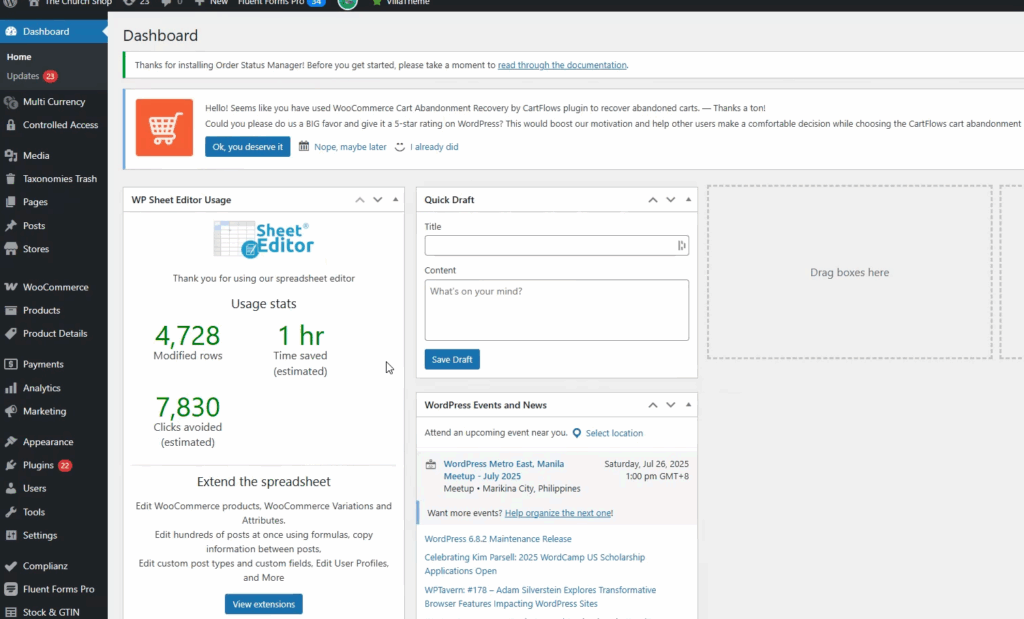
DROPBOX
Dropbox serves as our central file storage system.
All design files, assets, and other materials related to TCS and Impact are stored here.
Use Dropbox to:
- Save completed design files.
- Access archived materials.
- Reference any file needed for vendor communication or design confirmation.
AFFINITY
Affinity is used for final design verification and manual processing.
Use it to:
- Check image quality (e.g., ensure designs aren’t blurry or distorted).
- Make minor adjustments to design files when necessary.
- Process non-automated products (such as drinkware, magnets, stickers, and notebooks) and since these items aren’t yet integrated with WLM, they must be prepared manually within Affinity.
Note: Familiarity with all five tools is essential for smooth and accurate order fulfillment. Always verify design quality and placement before sending files to production.